
User Guide
Running a Search
-
Open SWIRL in your browser at http://localhost:8000 or http://localhost:8000/galaxy/search.
-
Log in to SWIRL. The login page appears:
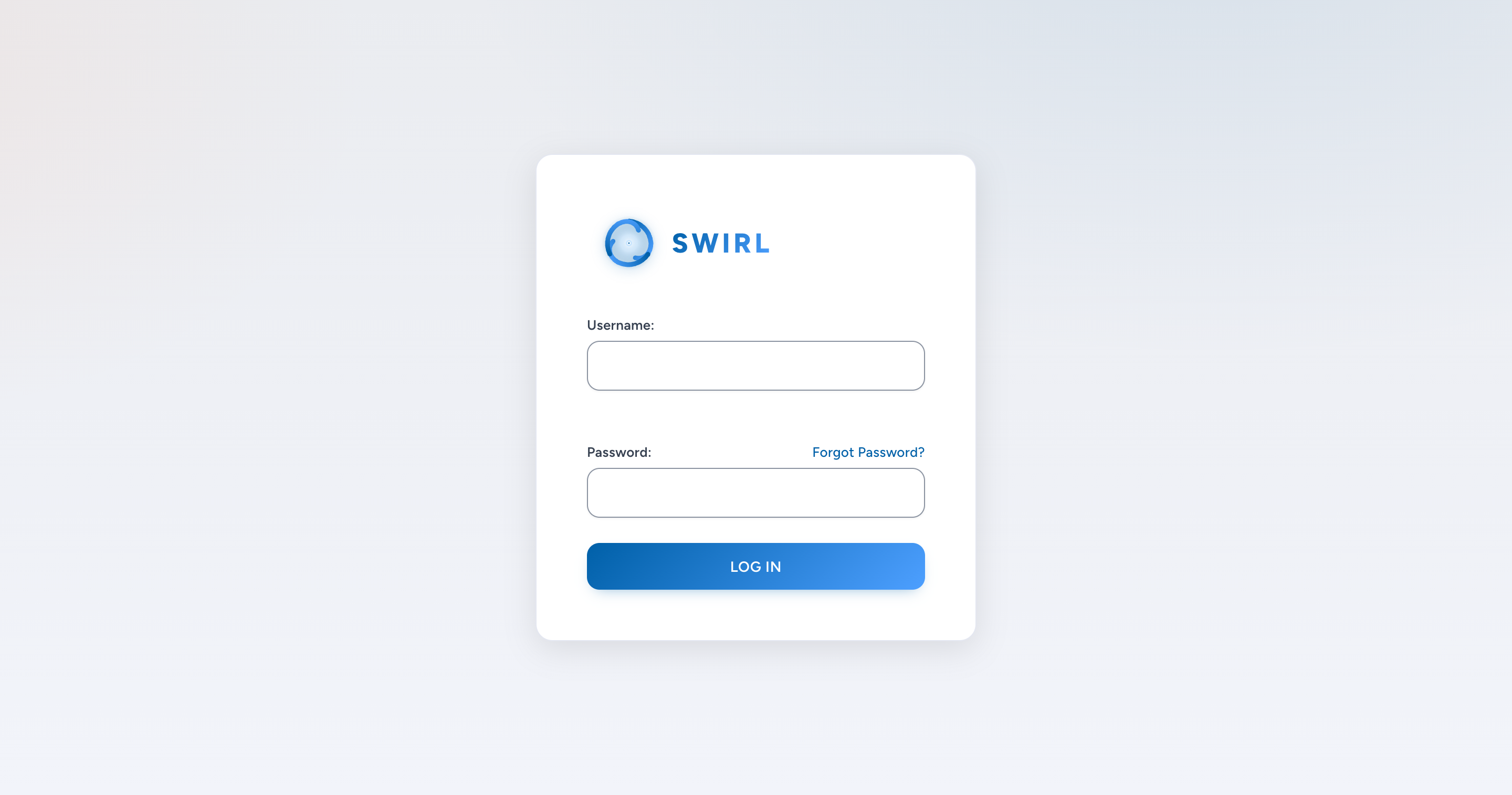
- Username:
admin -
Password:
passwordIf you receive a warning about the password being compromised or part of a known data breach, you can ignore it by clicking
OK. We recommend changing the superuser password.
-
Enter your search terms in the search box and click
Search. SWIRL returns re-ranked results in a few seconds: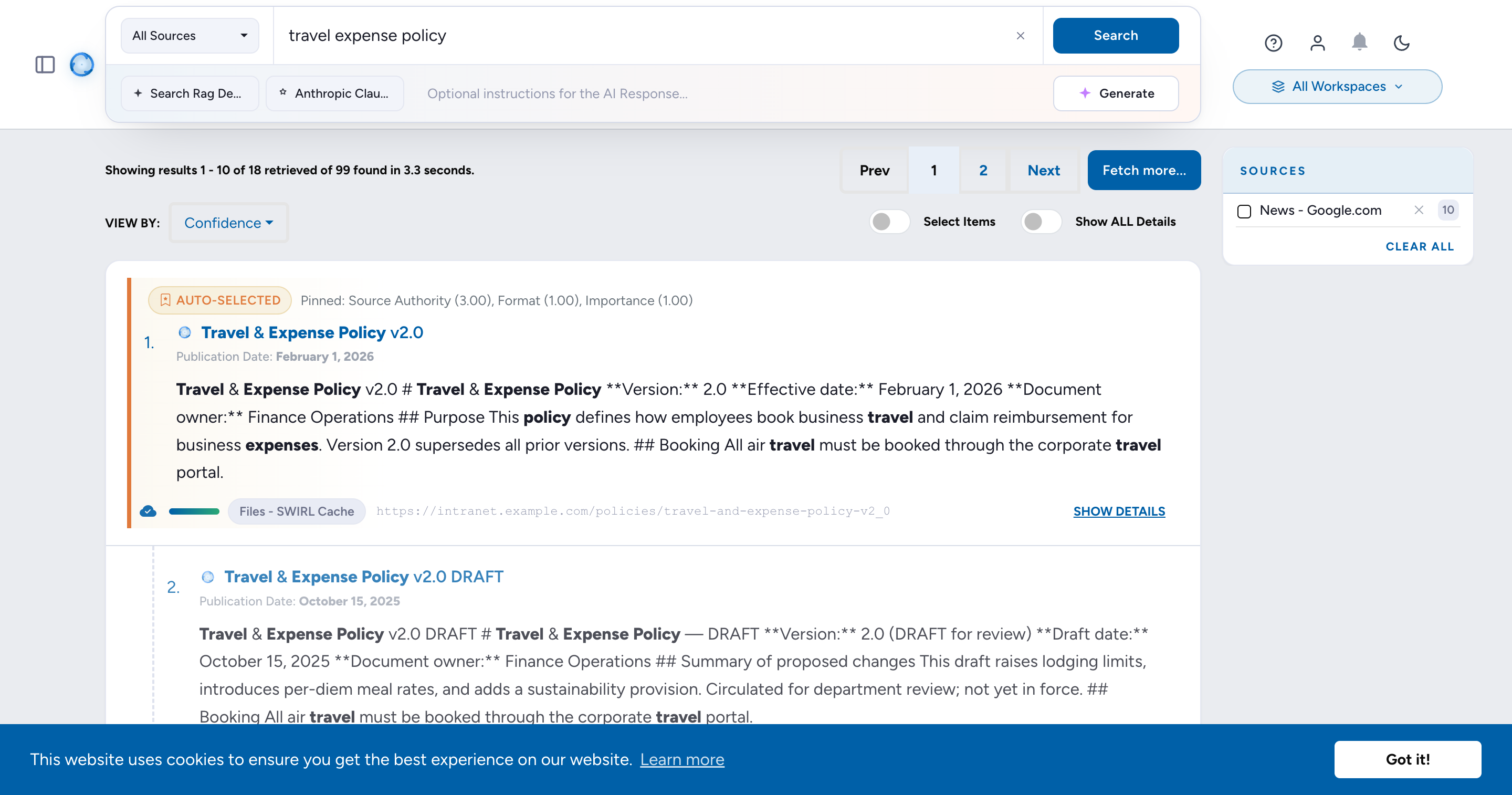
The Galaxy UI highlights results with a swirl_score above a configurable threshold.
SWIRL Community retrieves a single set of results per SearchProvider configuration.
Filtering Results by Source
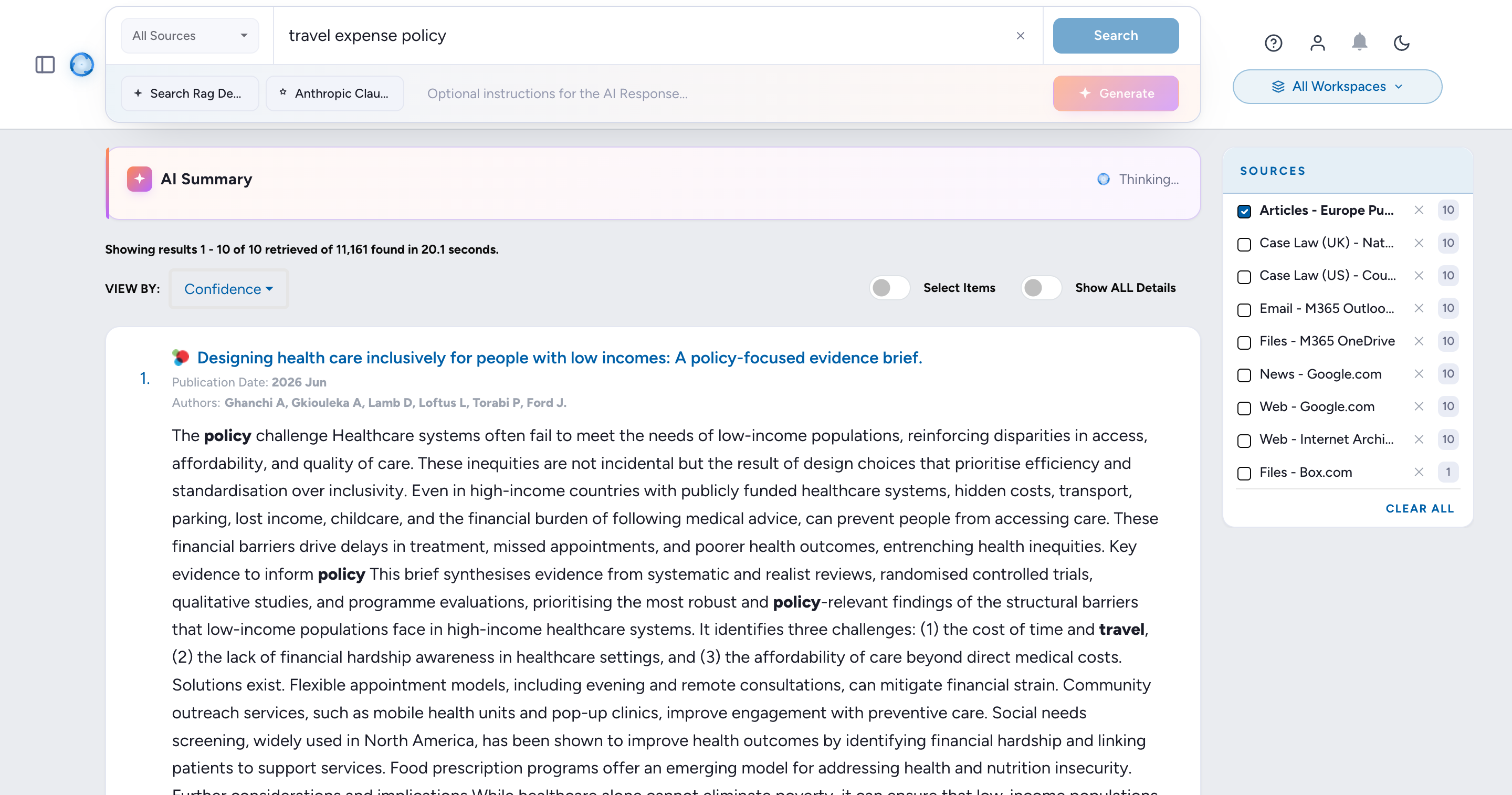
By default, SWIRL returns the best results from all available sources. To filter, check the desired Source boxes as shown above. Results update immediately.
Click Clear all to reset the filter and view all results.
Sorting Results
By default, SWIRL Community sorts results by relevancy score. To change this:
- Click the
View Bydropdown. - Select one of:
Date- sorts results chronologically. Results without adate_publishedvalue are hidden.Top Pick- highlights the most relevant results from each source, organized by SearchProvider.
To see all results again, switch back to Relevancy sorting.
Starting a New Search
Click the SWIRL logo to reset the search form and begin a new search.
Search Syntax
The following table summarizes SWIRL's support for common search syntax:
| Syntax | Handling | Notes |
|---|---|---|
| AND, OR | Passed down to all SearchProviders. | SWIRL does not modify or verify whether a provider supports these operators. |
| NOT, -term | Passed down to configured SearchProviders and rewritten if necessary; removed for providers that do not support NOT or -term. |
SWIRL verifies compliance and down-weights or flags responses that contain terms excluded by NOT. |
| tag:term | Passes term to SearchProviders configured with that Tag in their tags field. The untagged portion of the query is discarded. If a query starts with tag:, only providers with that Tag are searched. |
Example: electric vehicle company:tesla → only the term tesla is sent to SearchProviders with the company Tag.Example: company:facebook → the query facebook is only sent to SearchProviders with the company Tag. |
AND, OR
ANDandORoperators are passed unchanged to all SearchProviders.- SWIRL does not verify whether a provider supports these operators or applies them correctly.
NOT (NOT and - Syntax)
NOTremains in queries for SearchProviders that haveNOT=Truein theirquery_mappings. TheNOToperator applies to all terms that follow it (if the provider supports it).NOTis rewritten as-termfor SearchProviders that haveNOT_CHAR=-andNOT=False(orNOTunspecified). The-termapplies to all terms that follow it.- For SearchProviders without
NOT=True,NOTand its associated terms are removed from the query. - SWIRL scans responses for compliance with
NOTstatements. If a response contains excluded terms, its relevancy score is reduced.
Plus/Minus (+/-) Syntax
+(PLUS) before a term ensures it must be included in results. It is passed unchanged to all SearchProviders.-(MINUS) before a term functions asNOTfor providers that support it.- If a provider has
NOT_CHAR=-configured inquery_mappings,-termis passed unchanged. - If a provider has
NOT=Truebut notNOT_CHAR=-,-termis rewritten toNOT term. - For providers without
NOT_CHAR=-, all-termexclusions are removed from the query.
Using Tags to Select SearchProviders
Tags categorize SearchProviders by topic, entity type, or relevant concept (e.g., company, person, financial). Tags can:
- Filter SearchProviders - only tagged providers are selected when a query starts with
tag:. - Direct query terms - SWIRL rewrites portions of the query based on the provider's tags.
For example, the funding dataset included with SWIRL has SearchProviders for SQLite3, PostgreSQL, and Google BigQuery, each containing relevant Tags:
{
    "name": "Company Funding Records (cloud/BigQuery)",
    "connector": "BigQuery",
    ...
    "tags": [
        "Company",
        "BigQuery"
    ]
}
How Tags Work in Queries
1. Filtering by Tag Only
If a query begins with tag:, only SearchProviders with that Tag are selected, regardless of their default status.
company:facebook
- This limits the query to SearchProviders with the
companyTag. - Unrelated providers are excluded, even if they are
default=true.
2. Combining a Tag with a General Query
A default search can be combined with a tagged search for specific terms.
electric vehicle company:tesla
- Default SearchProviders receive the full query:
"electric vehicle tesla". - SearchProviders with the
companyTag receive only"tesla".
For example, the BigQuery SearchProvider will receive:
tesla
This makes direct hits on funding records more likely to rank higher in the results.
Example Response from BigQuery SearchProvider
"results": [
    {
        "swirl_rank": 1,
        "swirl_score": 1316.565600582163,
        "searchprovider": "Company Funding Records (cloud/BigQuery)",
        "searchprovider_rank": 1,
        "title": "*Tesla* Motors",
        "url": "tesla-motors",
        "body": "*Tesla* Motors raised $40000000 series C on 2006-05-01. *Tesla* Motors is located in San Carlos, CA, and has 270 employees.",
        "date_published": "2006-05-01 00:00:00",
        "date_retrieved": "2023-01-11 12:16:43.302730",
        "author": "",
        "payload": {},
        "explain": {
            "stems": "tesla",
            "title": {
                "tesla_*": 0.8357298742623626,
                "Tesla_0": 0.8357298742623626,
                "result_length_adjust": 4.5,
                "query_length_adjust": 1.0
            },
            "body": {
                "Tesla_0": 0.7187157993182859,
                "result_length_adjust": 1.25,
                "query_length_adjust": 1.0
            }
        }
    }
]
Notes
- Tagged SearchProviders receive a rewritten query with only the terms that follow
tag:. - Other SearchProviders receive the full original query.
- SearchProviders do not need
default=truefor Tags to work. As long as they areactive=true, using a tag in a query will invoke them.
For more details, see Organizing SearchProviders with Active, Default, and Tags.
Relevancy Ranking
SWIRL generates a unified result set by aggregating results from all responding SearchProviders.
Relevancy ranking is determined by:
- Stemmed word matching to improve recall.
- Cosine vector similarity scoring using spaCy for semantic relevance.
- Normalization by query length and token count to ensure fair scoring across queries.
- The original
searchprovider_rankto maintain provider-specific relevance.
The Galaxy UI puts a star next to results that exceed a configurable relevancy threshold, making high-confidence matches more visible.
For more details, see:
Hit Highlighting
SWIRL highlights query-term matches in the following fields: title, body, and author.
For example:
"body": "<em>Performance</em> <em>management</em> is the process of setting goals and expectations for employees and then tracking and measuring their progress. This can be done through regular one-on-one meetings, <em>performance</em> reviews, and other feedback mechanisms."
Integrating with Source Synonyms
SWIRL supports source synonym configurations to enhance relevancy calculations and hit highlighting.
For details, see the Developer Guide: Integrate Source Synonyms Into SWIRL Relevancy.
AI Answers (RAG)
SWIRL Community can generate an AI answer from your search results using Retrieval Augmented Generation (RAG). See the RAG Configuration Guide to set it up, and the MCP Server Guide to search SWIRL from MCP-enabled AI assistants.