
Installation Guide
Redis must be installed and running before starting SWIRL. See Install Redis.
System Requirements
- Platform: Ubuntu, RHEL, or macOS. Microsoft Windows is not supported due to Celery dependencies.
- Hardware: 8+ vCPU, 16+ GB RAM.
- Storage: 500+ GB free disk space.
- Python: 3.12 or newer (3.13 is the tested version).
macOS
- Python 3.12+ with
pip. - Homebrew installed and updated.
- Redis:
brew install redis
- jq:
brew install jq
Linux
- Python 3.12+ with
pip. - Redis and jq:
sudo apt install jq redis-server -y
PostgreSQL (optional)
To use PostgreSQL as a data source or SWIRL's backend database:
- Install PostgreSQL.
- Ensure
pg_configis in your systemPATH. - Install the PostgreSQL driver:
pip install psycopg2-binary
Installing SWIRL AI Search
- Clone the repository:
   git clone https://github.com/swirlai/swirl-search
   cd swirl-search
- Install SWIRL (macOS):
./install.sh
- Install SWIRL (Linux):
   sudo apt-get update -y && sudo apt-get install -y python3-dev build-essential
   ./install.sh
- If
install.shfails, install manually:
   pip install -r requirements.txt
   python -m spacy download en_core_web_lg
   python -m nltk.downloader stopwords
   python -m nltk.downloader punkt_tab
macOS SSL issues? See urllib and "SSL: CERTIFICATE_VERIFY_FAILED" Error.
Setup SWIRL
Initialize SWIRL:
python swirl.py setup
Configure the UI Callback Host and Port
Set the host and port the Galaxy UI uses for Microsoft sign-in callbacks before installing the UI (the values are read by install-ui.sh):
export MSAL_CB_PORT=8000
export MSAL_HOST=localhost
To enable real-time Retrieval-Augmented Generation (RAG), configure an AI provider with a valid API key in the Administration Console at Admin Console → AIProviders after startup. See the RAG Configuration Guide for more details.
Install the Galaxy UI
To install the Galaxy UI, you need the latest Docker installed and running.
With Docker running:
./install-ui.sh
Install the Galaxy UI only after running ./install.sh and python swirl.py setup.
Start SWIRL
To start SWIRL:
python swirl.py start
Open the Administration Console
Visit http://localhost:8000/admin/ to manage SearchProviders, AIProviders, users, and logs. (The /swirl/ URL redirects here.)
Open the Galaxy UI
Visit http://localhost:8000 or http://localhost:8000/galaxy/.
If the search page loads, log out to see the login screen:
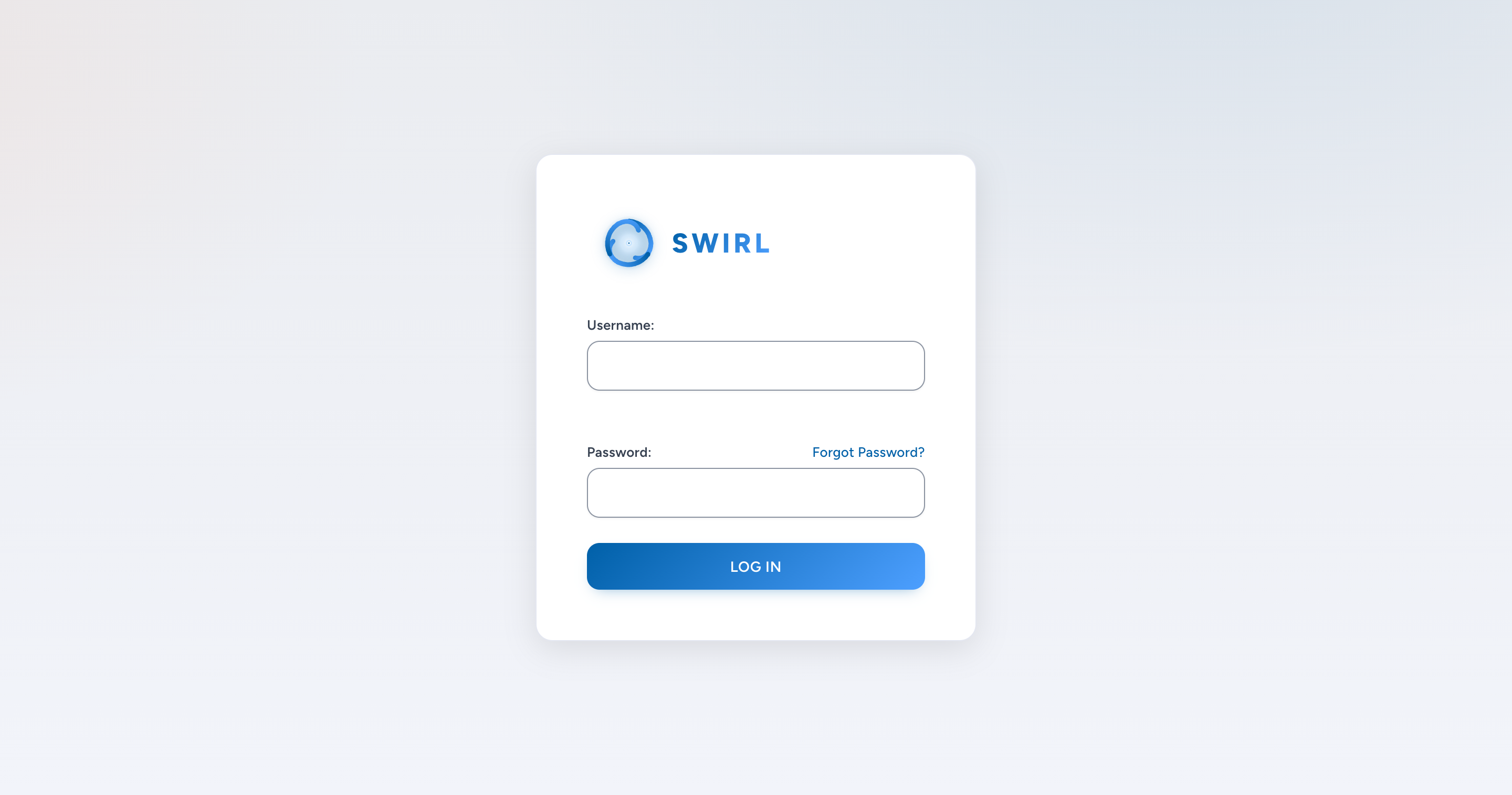
Log in to SWIRL
- Username:
admin - Password:
password
Perform a Search
- Enter a search query in the search box.
- Click
Search. - Results appear in seconds:
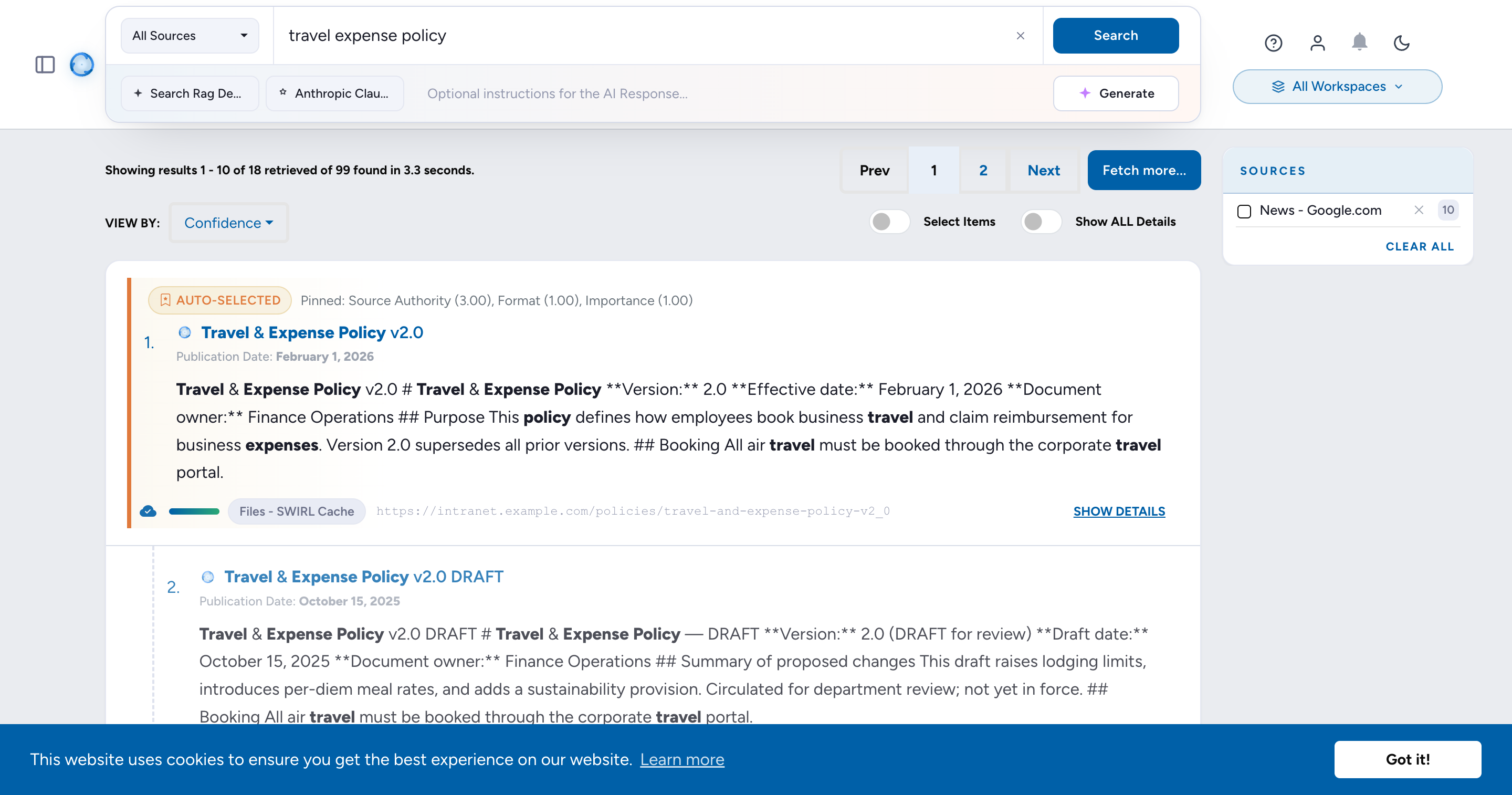
Google Web Search and SWIRL Documentation are inactive out of the box. The preloaded Web - Google PSE and Docs - SWIRL SearchProviders require your own Google credentials - SWIRL does not embed an API key. To enable them, obtain a Google API key and a Programmable Search Engine ID (cx), then paste both into the SearchProvider record at Admin Console → SearchProviders. Full walkthrough: SearchProvider Guide.
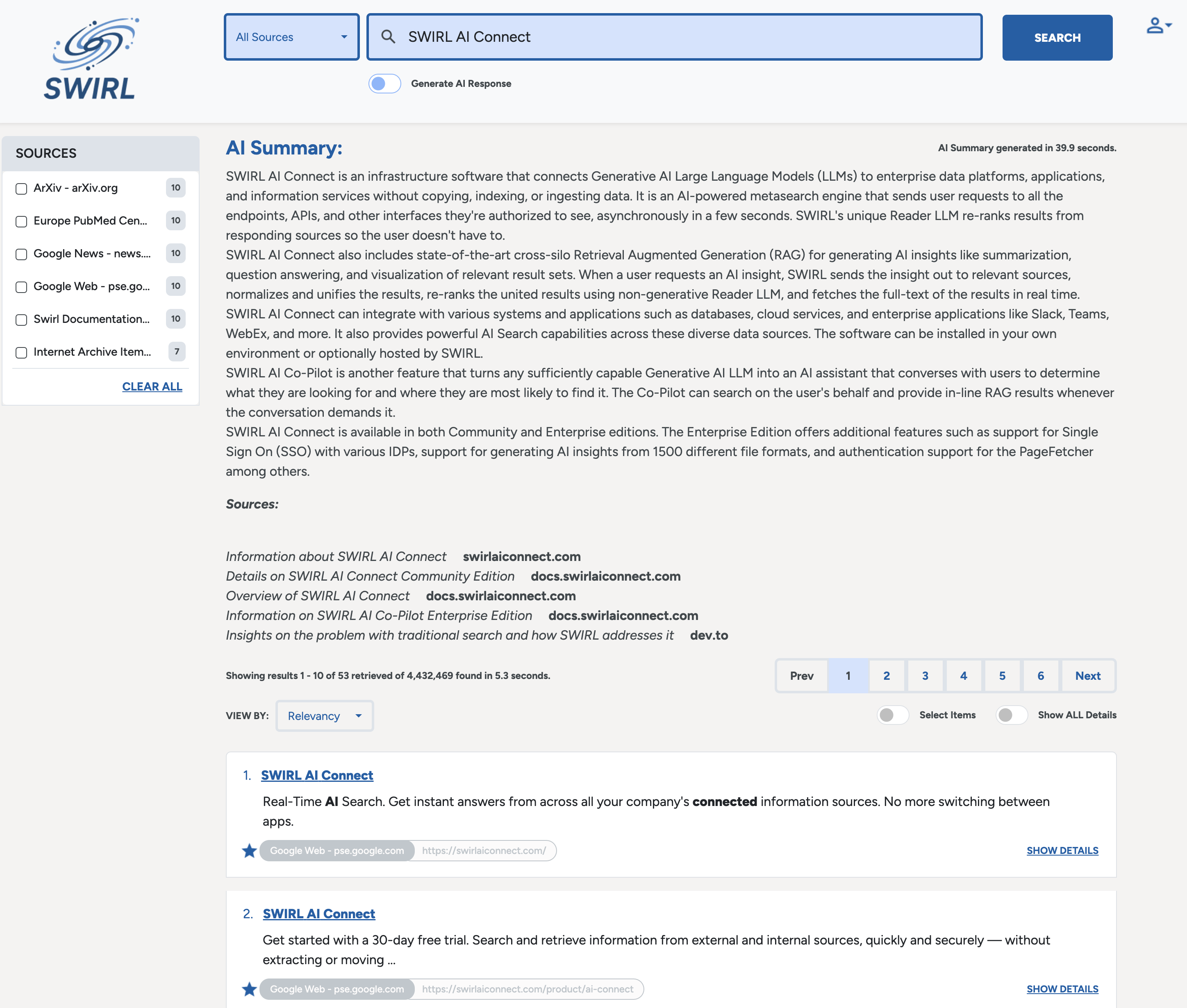
Enable RAG (if OpenAI API key is set)
Click Generate AI Insight:
Manage SWIRL
Click the profile avatar (top-right), then click Manage SWIRL to open the Administration Console.
View Raw JSON Results
- Open the browsable REST API at http://localhost:8000/swirl/search/.
- Click
result_urlon any search record to view the full JSON response:
{
  "messages": [
    "SWIRL AI COMMUNITY 5.0.0.0",
    "[2026-05-20 11:38:04.559113] Retrieved 10 of 100 results from: News - Google News",
    "[2026-05-20 11:38:04.974641] Retrieved 10 of 5187 results from: Articles - EuropePMC",
    "[2026-05-20 11:38:05.507881] Retrieved 10 of 1449 results from: Web - Internet Archive",
    "[2026-05-20 11:38:05.983136] Results ordered by: RelevancyMixer"
  ],
  "info": {
    "results": {
      "found_total": 6727,
      "retrieved_total": 30,
      "retrieved": 10,
      "federation_time": 10.8,
      "result_blocks": [
        "ai_summary"
      ],
      "next_page": "http://localhost:8000/swirl/results/?search_id=9&page=2"
    },
    "Web - Internet Archive": {
      "found": 1449,
      "retrieved": 10,
      "filter_url": "http://localhost:8000/swirl/results/?search_id=9&provider=4",
      "query_string_to_provider": "cybersecurity policy",
      "search_time": 3.6
    },
    "Articles - EuropePMC": {
      "found": 5187,
      "retrieved": 10,
      "filter_url": "http://localhost:8000/swirl/results/?search_id=9&provider=5",
      "query_string_to_provider": "cybersecurity policy",
      "search_time": 3.2
    },
    "News - Google News": {
      "found": 100,
      "retrieved": 10,
      "filter_url": "http://localhost:8000/swirl/results/?search_id=9&provider=2",
      "query_string_to_provider": "cybersecurity policy",
      "search_time": 2.0
    }
  },
  "results": [
    {
      "swirl_rank": 1,
      "swirl_score": 24911.43237469431,
      "searchprovider": "News - Google News",
      "searchprovider_rank": 5,
      "title": "Maryland unveils statewide zero-trust <em>cybersecurity</em> <em>policy</em> - StateScoop",
      "url": "https://news.google.com/rss/articles/CBMijgFBVV95cUxOR2VDaEJaU1ZVNzg4Xzc3SGZkTkV3MEFrblFZTExJcXh1OWN...",
      "body": "Maryland unveils statewide zero-trust <em>cybersecurity</em> <em>policy</em> StateScoop...",
      "date_published": "2026-02-24 08:00:00+00:00",
      "author": "StateScoop",
      "swirl_id": 5
    },
    {
      "swirl_rank": 9,
      "swirl_score": 5750.152160674617,
      "searchprovider": "Articles - EuropePMC",
      "searchprovider_rank": 1,
      "title": "<em>Cybersecurity</em> <em>policy</em> framework requirements for the establishment of highly interoperable and intercon",
      "url": "https://europepmc.org/article/MED/38784226",
      "body": "This paper examines <em>cybersecurity</em> <em>policy</em> framework requirements for establishing highly interoperable and interconnected health data spaces, w...",
      "date_published": "2024-01-01 00:00:00",
      "author": "Luidold C, Jungbauer C.",
      "swirl_id": 11
    }
  ],
  "ai_summary": []
}
Read More
See the SWIRL User Guide for additional details.